
Identify the control that did not respond
State whether the normal command came from a handheld remote, wall-mounted switch, key switch or a building control system. If several shutters are nearby, identify the correct opening and control together. A remote belonging to another bay or an old control left after earlier work can confuse an enquiry.
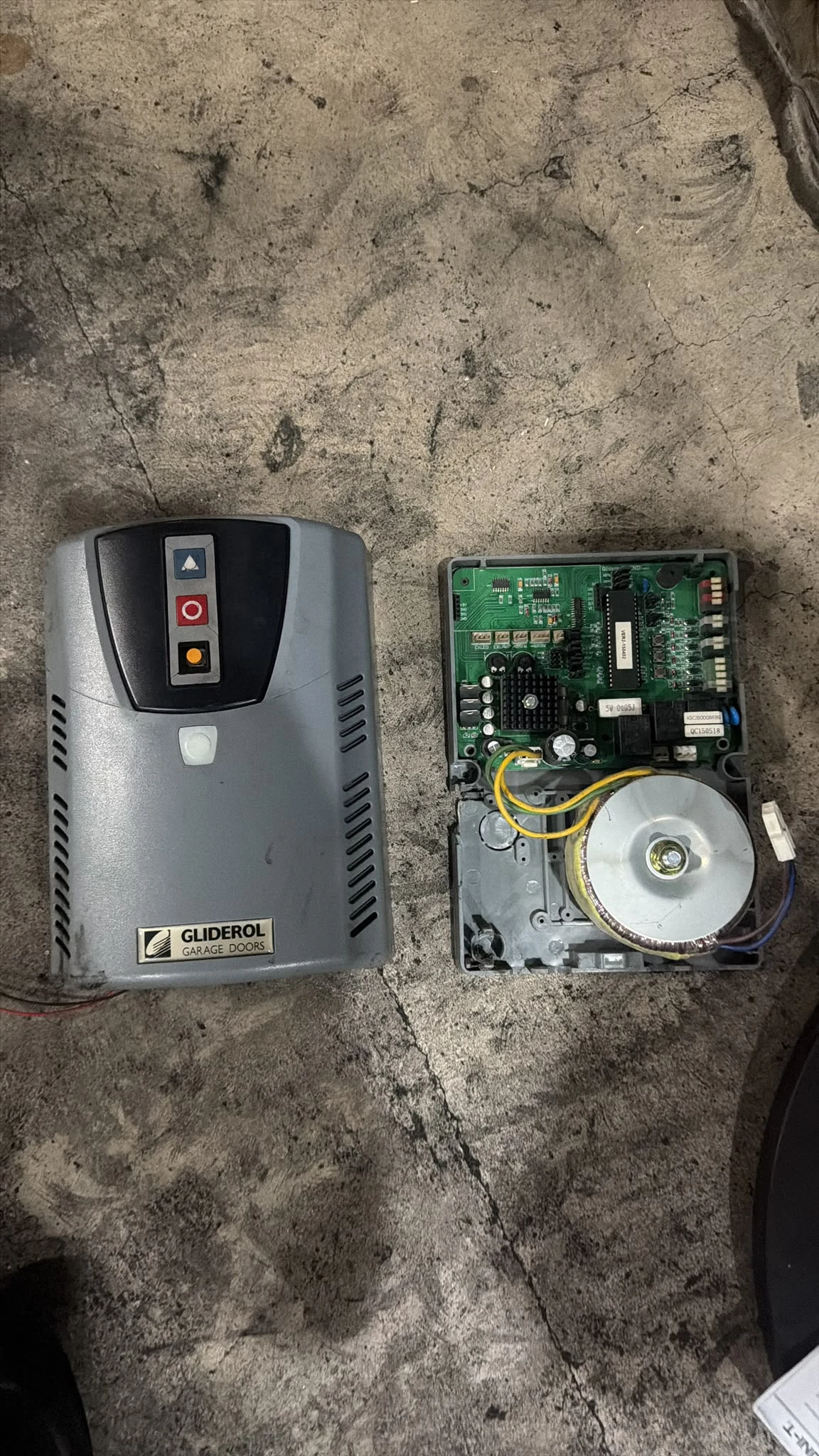
Include a photograph of the control’s exterior and any readable model information already available. Do not open a wall station, motor enclosure or control panel to find a label. If the equipment cannot be identified from a safe position or existing documents, simply record that its model is unknown.
Describe the response you already observed
Say whether pressing the normal command produced no apparent response, an indicator, a click, a sound from the motor area or movement that stopped. Describe what was observed without treating an indicator or sound as proof that a particular component is working correctly.
Also note whether the shutter was already raised, lowered or partly open when the issue was noticed. If an ordinary authorised operation has shown a fault, do not keep pressing controls to collect more evidence. Keep people clear of the opening and tell the person responsible for the premises. A1’s motor shutter information helps organise these details for a discussion.
Use the operating instructions before assuming a reset
Find the installed equipment’s operating instructions and earlier service records. If those instructions include a simple user check, confirm that it is intended for an ordinary authorised operator and does not involve access to electrical or moving parts. Do not use a reset sequence found for a similar-looking remote as an experiment on a different installation.
A relevant manufacturer reference is Cornell’s operator-manual library, which lists separate documents for different operator families. The general lesson is to match the documentation to the actual equipment. It is not evidence that a Cornell manual or any particular setting applies to the shutter at your premises.
Explain recent changes and the effect on access
Tell the contractor about a recorded power interruption, control replacement, access-system change, previous fault or other work near the opening. Say when the shutter last operated normally and whether the current problem appeared suddenly or intermittently. Avoid opening panels or operating unfamiliar isolators to investigate a theory.
The business consequence belongs in the same brief: the premises cannot be opened, the shop cannot be secured, or one loading bay is unavailable. Include the site’s responsible contact and any arrangements required for a visit. A realistic account of the access constraint helps coordination without implying that a remote-control symptom guarantees an immediate diagnosis or repair.
Avoid makeshift workarounds and remote reprogramming
Do not bridge terminals, bypass sensors, replace protective components or attempt to rewire a wall control. Do not improvise a mechanical release to regain access under a suspended shutter. An apparent shortcut can change the installation’s behaviour without resolving the original problem.
Likewise, pairing an unverified replacement remote is a compatibility and access-control question. Explain why a replacement is being considered and provide the available equipment details before buying one. If keys or controls have been lost, identify who may authorise access changes and how the premises will manage existing users. The repair enquiry should distinguish an operational fault from a request to change who can operate the shutter.
A useful message is short and specific
A concise brief could say: “Unit and address; shutter reference; wall key switch normally used; no movement during the last authorised attempt; curtain currently closed; last normal use yesterday; building access contact available.” Add photographs and records rather than guessing a motor specification.
Start through the repair enquiry page and keep any proposed scope alongside the original symptom record. After assessment, ask what was found, what work is proposed and whether operating instructions or controls will change. For the documents to keep with a quotation, see the shutter quotation checklist.